
Discover the Shotgun Xpress Door feature

What is it?
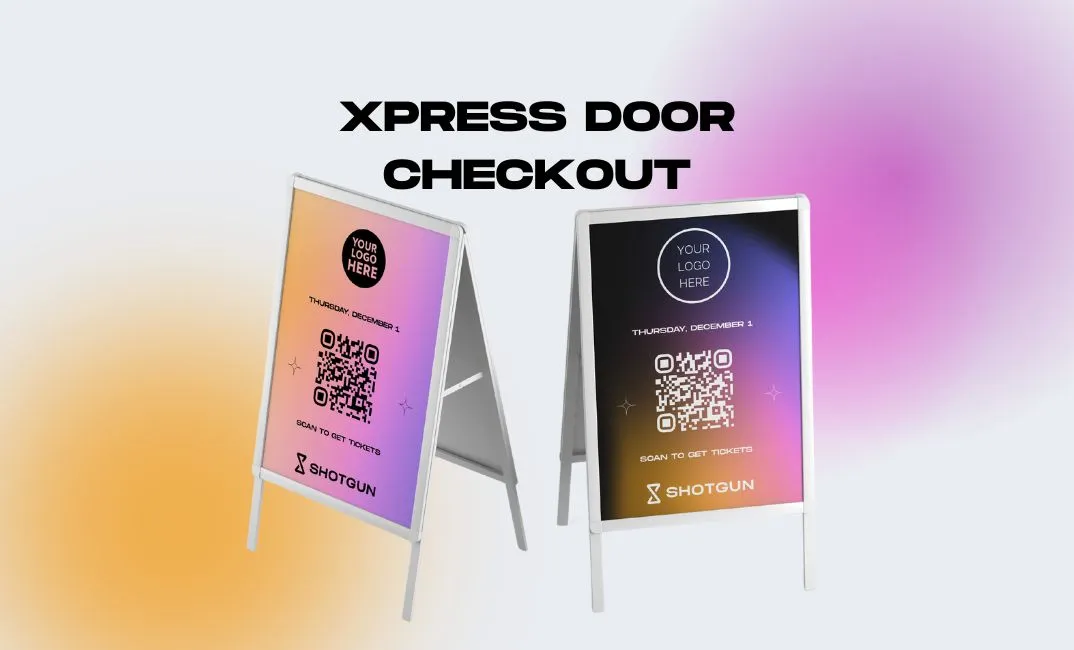
The Xpress Door feature aims to replace the conventional point of sale system, where customers pay by bank card at the counter.
Instead, customers can purchase directly with their phone in seconds by simply scanning a QR code, to avoid long waits at the entrance.
How does it work?
- Get your Xpress Door QR code on your Smartboard in the "My Page" section. Place the code at your event entrance.
- Attendees scan the code when they arrive at the entrance.
- Attendees purchase their tickets in seconds payable via Apple Pay, Google Pay and by bank card, without creating a Shotgun account. NB: If the attendee already has a Shotgun account, they will be automatically redirected to the event page on the app to purchase their ticket more easily.
- Attendees have instant access to tickets once the payment process is complete. Buyers will see their ticket QR code on the confirmation page.
- Attendees can proceed to the event venue, where their ticket QR code will be quickly scanned at the entrance.
Say goodbye to long queues and tedious ticketing procedures. With Shotgun Xpress Door, event management and ticket purchasing have never been easier!
Which events should use Xpress Door?
The door control page automatically displays the current event or upcoming event (scheduled within the next 6 hours). No configuration is needed on your side. This means you can reuse your QR code for all your future events!
How to track my Xpress Door sales?
In your Smartboard, you'll find all purchases in the "Orders" section of your event. Your Xpress Door sales will be marked with a "Door" label. You can then apply a filter to generate a report of these sales only.
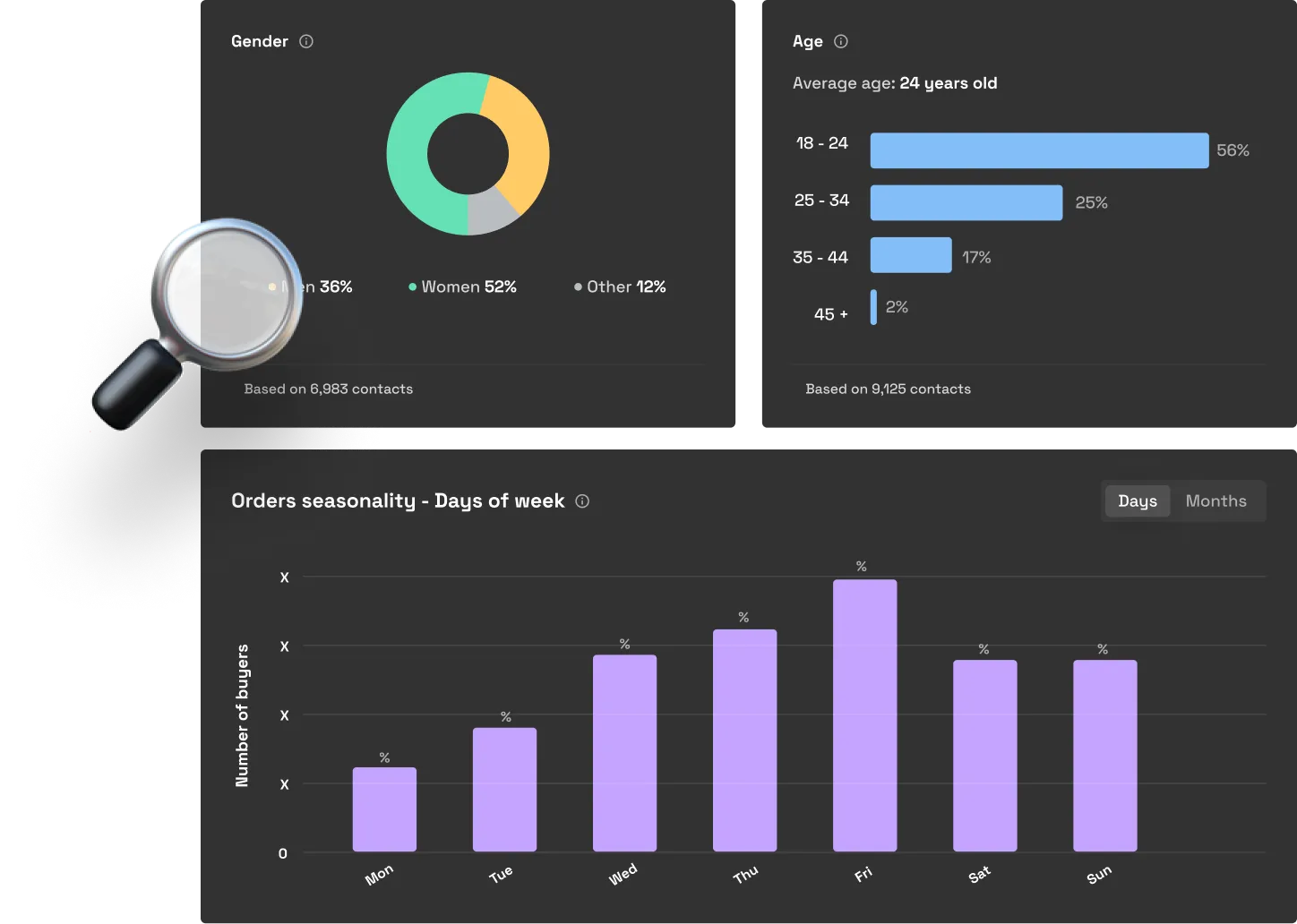
Like a traditional order, all buyers going through the Xpress Door will be added to your contact list (with email address and phone number). To learn more about your contacts, read this article on how to analyse your community properly.
.webp)
Nous partageons régulièrement nos dernières actualités, nouveautés et annonces via notre newsletter.