
Engage your community with your Shotgun page

1. Build and retain your community
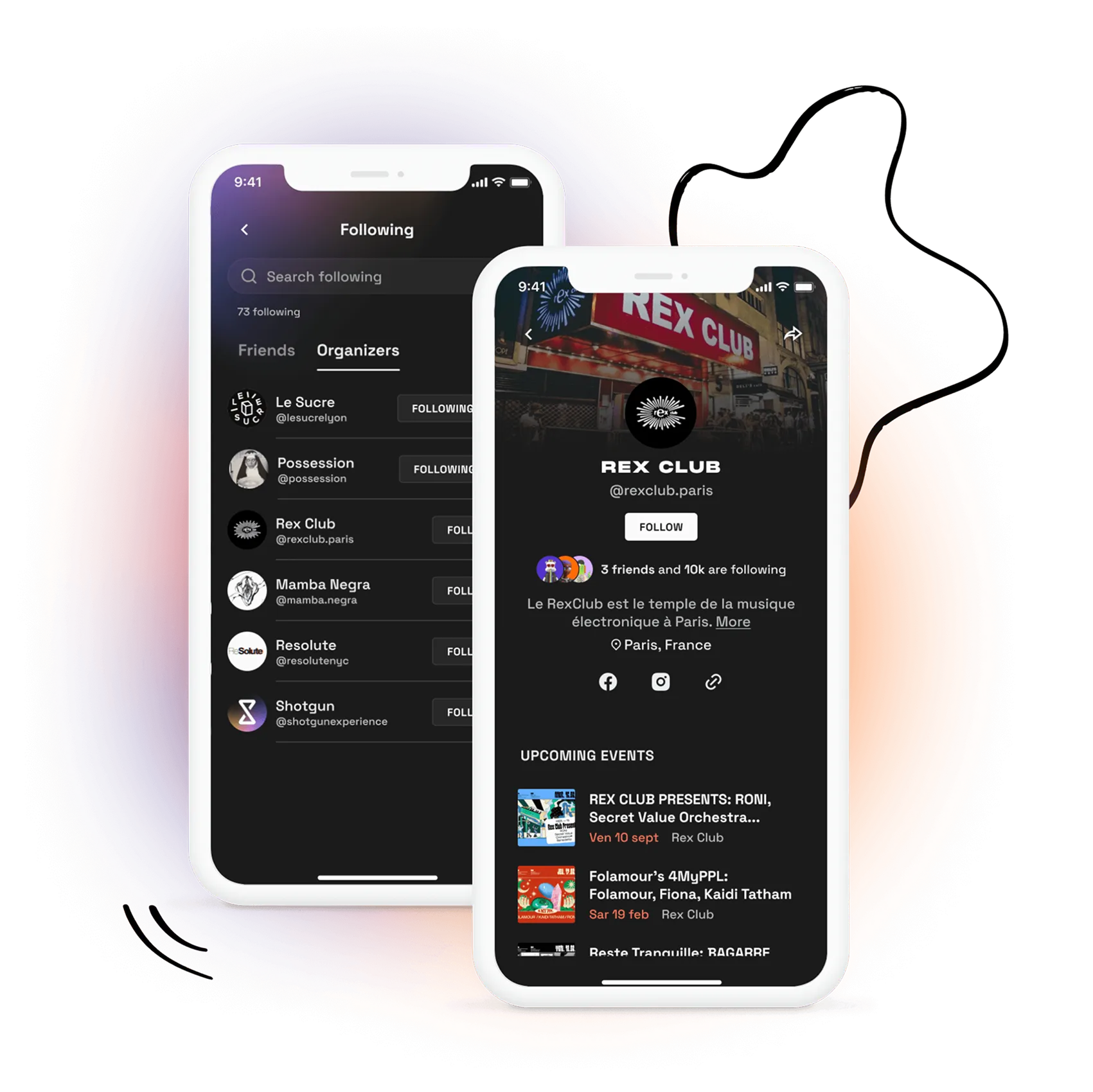
With Shotgun, our online ticketing service, get closer to your community through your organiser page. Customise and share your page by listing all your upcoming events to engage your community on Shotgun. Thanks to our marketing automation tool, your followers will be instantly notified when you publish a new event:
- More advance sales
- More engagement
- Better retention
2. Customise your page to match your identity
- Upload a cover image in 16:9 format, and use an image that gives a first impression of your events' atmosphere or your brand identity for a more attractive and immersive experience
- Write a catchy description
- Don't forget to specify your usual location
- Add your social media links
- Install your Meta pixel ID to track your page traffic and retarget your audience
- Embed the page on your website as an upcoming events list
For more information on how to customise your organiser page, watch our tutorial.
3. Inform your followers when you publish an event
Via our app (Android, iOS) or on our website, Shotgun users can follow your page and decide whether they want to be notified on mobile, receive your newsletters or both. Subscribing to an organiser gives the user direct and privileged access to tickets for their favourite events, creating a unique and exciting dynamic.
4. Improve your audience loyalty and advance purchases
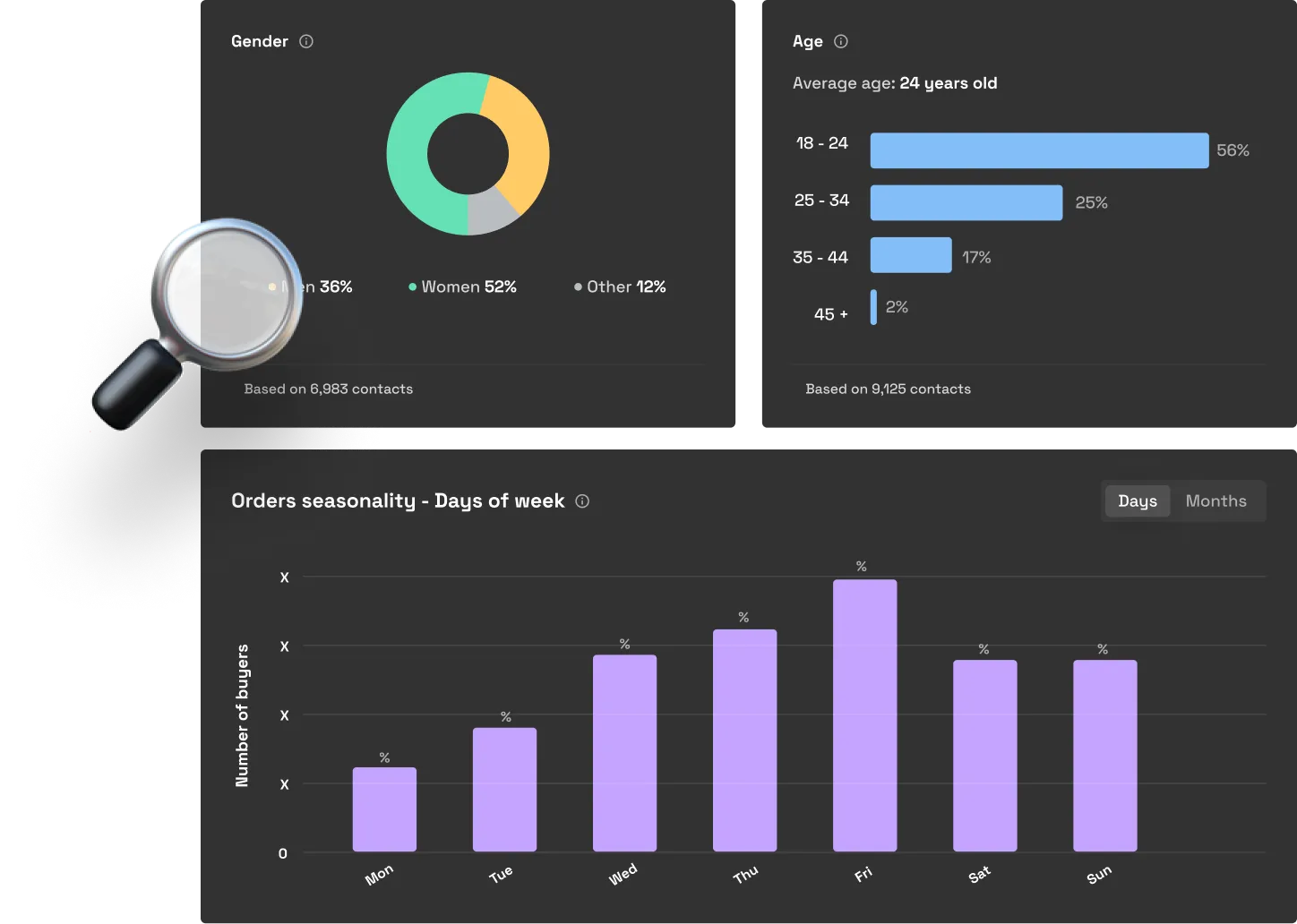
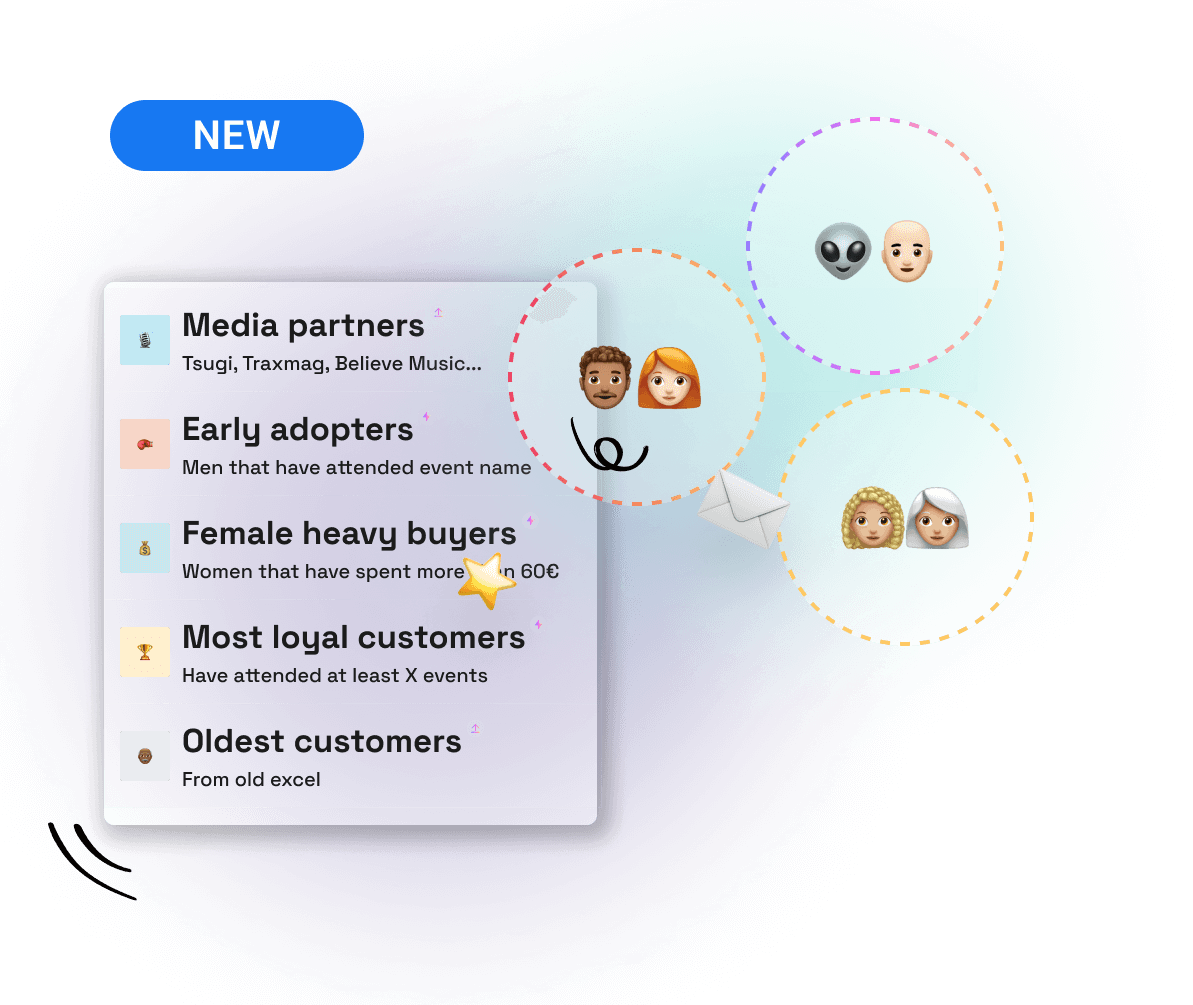
By customising and sharing your Shotgun page, you'll increase your number of followers, create an engaged community and learn to know them better. Build loyalty through our various marketing tools (mobile notification, notifications, newsletter, reminder, waiting list, secure resale, etc.) to ensure more advance sales and secure your productions.
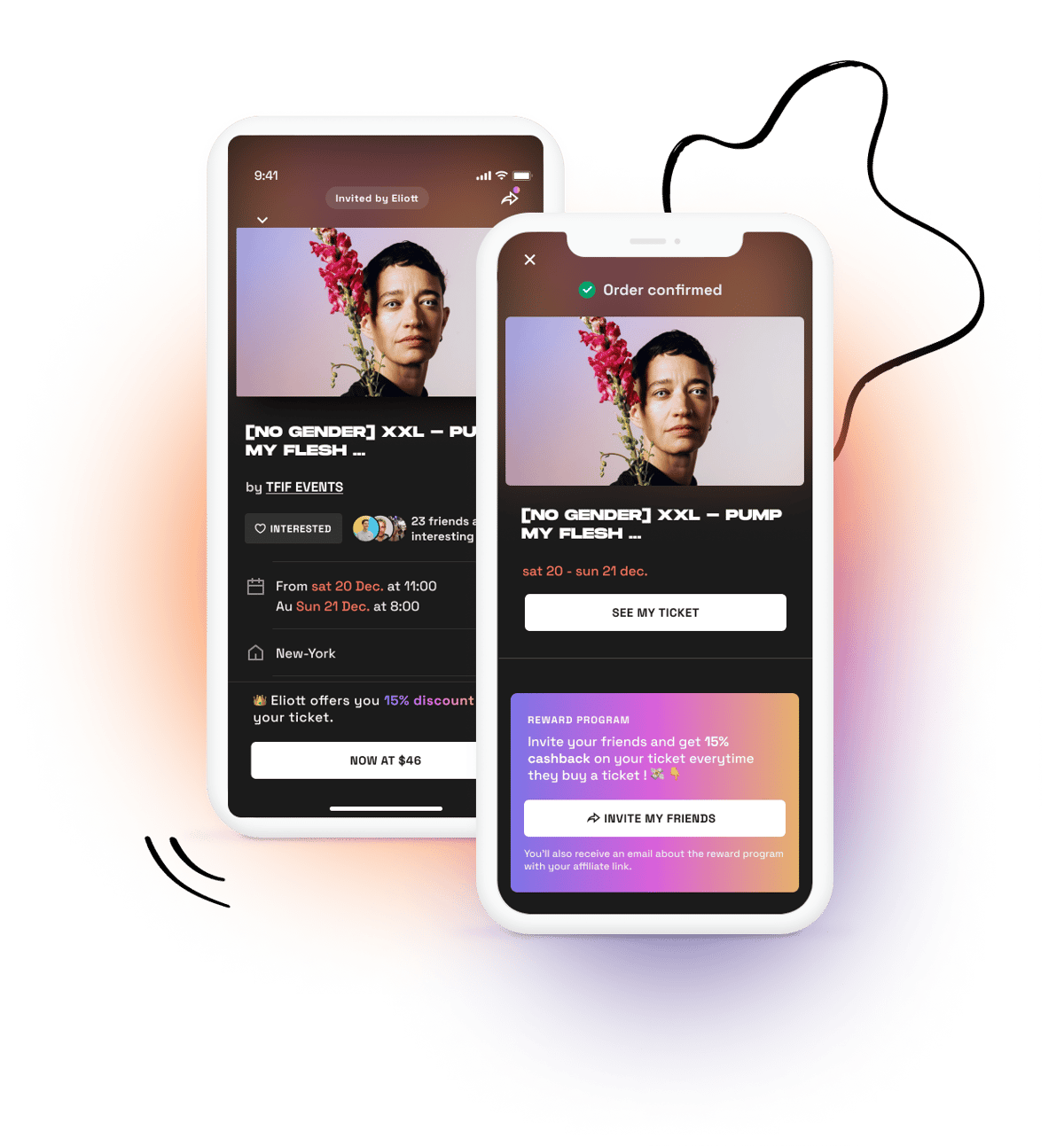
To learn more about this topic, check out our article on the ambassador (reward) programme to build customer loyalty.
.webp)
Nous partageons régulièrement nos dernières actualités, nouveautés et annonces via notre newsletter.